
App Info
App Info shows key facts about the application behind a tab's target: its environment, debug mode, caches, drivers, and PHP. Check it before you run a snippet, to see where it runs. A project driver can add sections of its own.
Opening App Info
Click the framework chip in the status bar (such as "Laravel 13.34.0", or "App Info" while the framework isn't known yet), or on a vertical tab card. Library ▸ Show App Info and the command palette open it too.
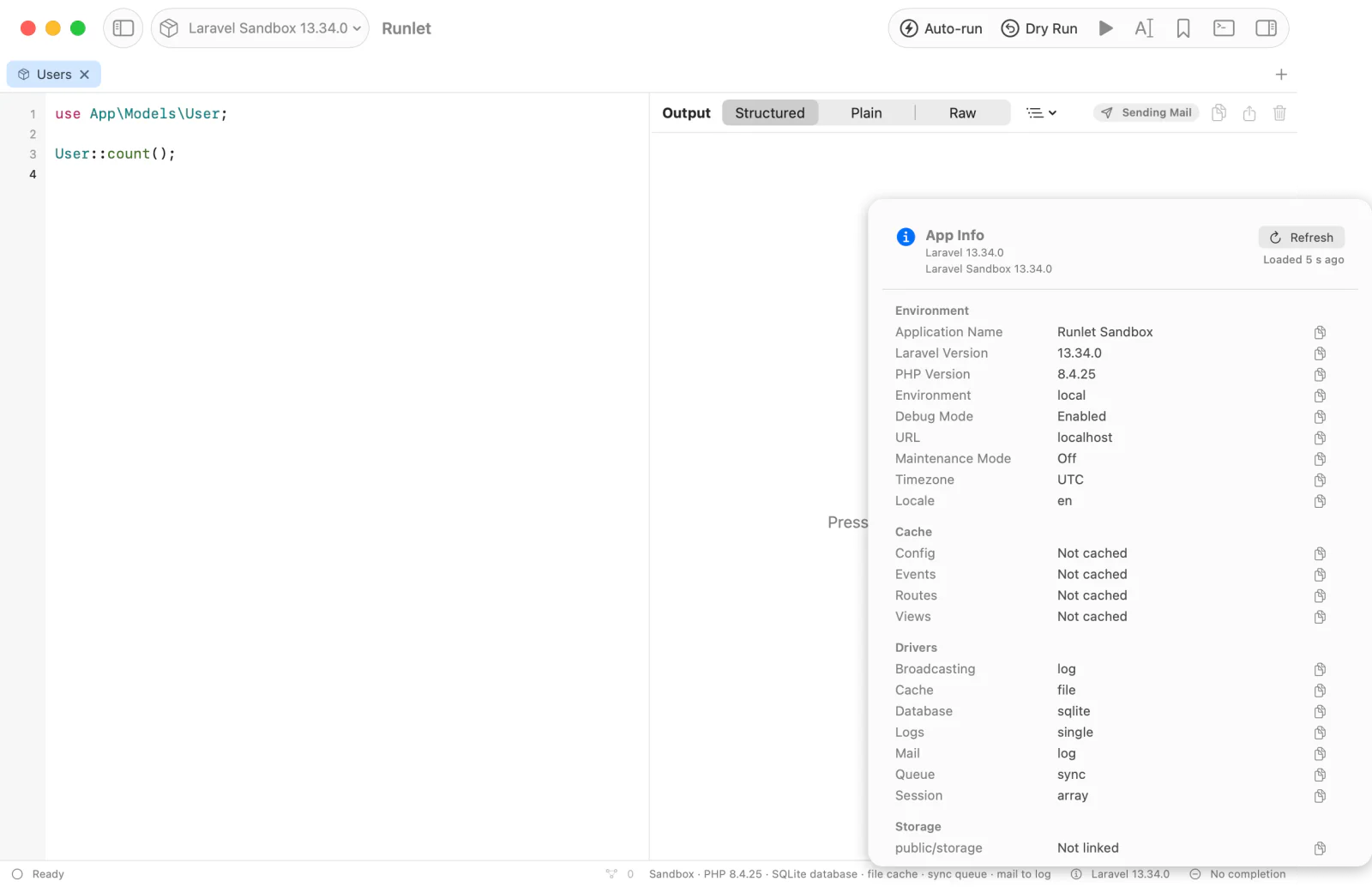
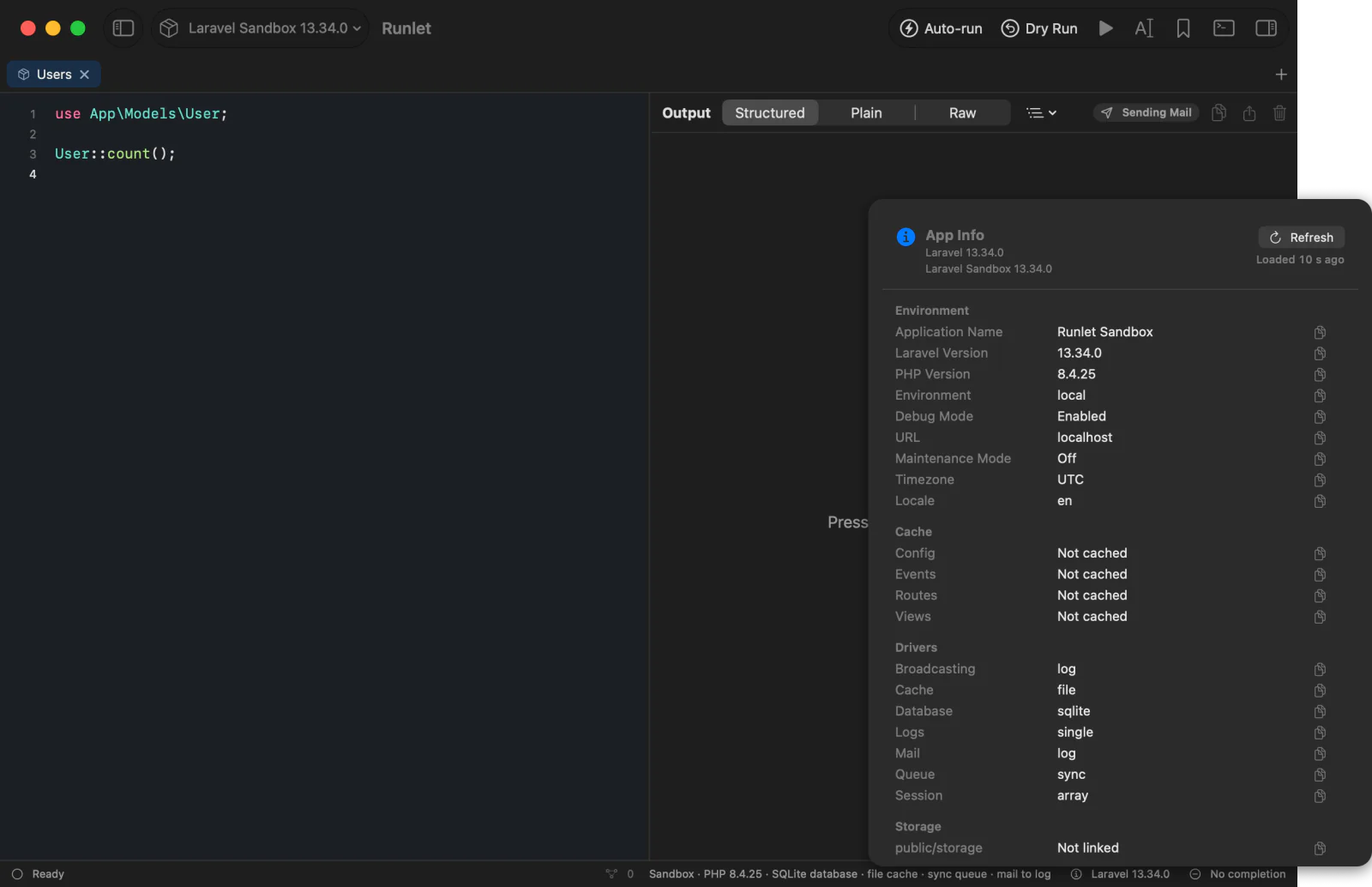
| Target | Sections |
|---|---|
| Laravel, Laravel Zero | What php artisan about shows: Environment (the application's name, Laravel and PHP versions, environment, debug mode, URL, maintenance mode, time zone, and locale), Cache (config, events, routes, views), Drivers (broadcasting, cache, database, logs, mail, queue, session, and Octane or Scout when set), Storage (the filesystems.links), and sections packages add with AboutCommand::add(). Runlet reads the command's data in the booted application instead of running Artisan, and doesn't run composer --version, so the Composer version is left out. |
| Lumen, Laravel before 9.21 | The same Environment and Drivers rows, read from the configuration (these have no about). |
| Symfony | Symfony: the version, end of maintenance and of life, environment, debug, charset, kernel class, cache, build, and log directories, and the number of bundles. |
| WordPress | WordPress (the version, environment type, site and home URLs, active theme, multisite, active plugins, permalinks, locale, and time zone), Debug (WP_DEBUG, WP_DEBUG_LOG, WP_DEBUG_DISPLAY, SCRIPT_DEBUG, SAVEQUERIES, WP_CACHE, DISABLE_WP_CRON, and WP_MEMORY_LIMIT, when defined), and Database (the server version, name, host, charset, and table prefix). |
| Every target | PHP: the version, memory limit, OPcache and Xdebug for the command line, time zone, php.ini, PDO drivers, and the number of extensions. |
A project driver that extends a built-in driver keeps its sections. One that boots Laravel itself gets the Laravel sections, and WordPress's appear once WordPress is loaded. The driver's own panels come last.
When It Loads
App Info boots the application in a fresh PHP process, like a run, but runs no snippet. So it works the same in Docker and over SSH, and it loads only when you ask:
- when you open it and nothing is kept for the target yet, or when you press Refresh;
- the result is kept for the target, with its age ("Loaded 3 min ago"), until you refresh it, edit the target's settings, or quit Runlet;
- opening, importing, or restoring a tab never loads it.
On a production target, every load asks first (⌘Return confirms), and the popover opens once you confirm. The 10-minute grace for snippet runs doesn't cover it. An SSH host is reached only on that click: a host that needs a password or a two-factor code must be connected with Connect… first.
Stop ends a load in progress, and a load that takes more than 120 seconds is stopped.
In the Popover
- Each value has a copy button, and Copy Value or Copy Row in its context menu. Copy All copies every section as text.
- A boot failure shows the error, with the file and line it came from, and Try Again.
- If the driver's own sections fail, the built-in sections stay, and the error, naming the driver file and method, shows above them.
- Paths inside the project are shown relative to it, and paths in your home folder start with
~.
Secrets Stay Hidden
Values that look like secrets are never shown or copied: they appear as •••••• with a lock, and the popover counts them. Runlet hides them in PHP, before anything leaves the target, and again in the app.
- By label. A label names a secret when one of its words is password, passwd, pwd, pass, passphrase, secret, token, key, apikey, salt, credential, signature, cookie, dsn, or nonce (or a plural), as in
DB_PASSWORD,stripeSecret, orAPI token. The whole value is hidden. - By value. Anywhere in a value: the password in
scheme://user:password@host(the user stays),password=…,token: …,api_key=…,sig=…, and similar pairs in connection and query strings, Laravelbase64:keys, JWTs, private key blocks,BearerandBasiccredentials, and well-known token formats (Stripesk_live_…, GitHubghp_…andgithub_pat_…, GitLabglpat-…, Slackxox…-, AWSAKIA…, GoogleAIza…).
The rule errs on the side of hiding: a label such as "Cache key prefix" is hidden too.
Adding Sections
A project driver adds sections with panels(). Return sections keyed by title, each with rows of label => value. A value is a string, a number, a boolean, null, or a list of strings; dates, enums, and objects with __toString() become text, and other arrays become JSON text. panels() runs after bootstrap(), so it can use the booted application:
<?php
// .runlet/AcmeApiDriver.php
class AcmeApiDriver extends \Runlet\Driver
{
    // canBootstrap(), bootstrap(), variables() as in Writing a Project Driver.

    public function panels(): array
    {
        $app = DI::get(App::class);

        return [
            'Acme API' => [
                'Application' => $app->name(),
                'Routes' => count($app->routes()),
                'Route list' => $app->routes(),
                'Read-only' => false,
                'API token' => getenv('ACME_TOKEN'), // shown as ••••••
            ],
        ];
    }
}
To add to a built-in driver's sections, extend it and merge with the parent's. The built-in sections always come first:
public function panels(): array
{
    return parent::panels() + [
        'Tenant' => ['Name' => config('app.tenant'), 'Queues' => ['default', 'mail']],
    ];
}
A list of ['title' => …, 'rows' => [...]] entries works too (for two sections with the same title), and rows may be ['key' => …, 'value' => …] entries. Runlet skips entries that aren't sections, and says so under the list.
Limits. App Info shows at most 20 sections in all (Runlet's count), 100 rows per section, 50 items per list, 120 bytes per section title, 200 per label, 2,000 per value, and 256 KB in all. What a limit leaves out is counted under its section.