
Quickstart
This page takes you from a fresh install to running code inside your own project. It takes about five minutes. If you haven't yet, install Runlet first.
Your First Snippet
Runlet's first tab runs in the Laravel sandbox: a fresh Laravel application on SQLite that comes with Runlet, so you can try things without a project. Type a few lines:
use App\Models\User;

User::factory()->count(3)->create();

User::count()
Press ⌘R. The output pane next to the editor shows the result, 3, because the last expression is the result, as in Tinker: no return, echo, or final semicolon needed.
Each run is a fresh PHP process with the application booted, so variables don't carry over from one run to the next. Nothing runs until you press Run.
NOTE
If your Mac has no PHP, a banner above the editor offers Download PHP 8.5.8. See Your First Run.
See Values Inline
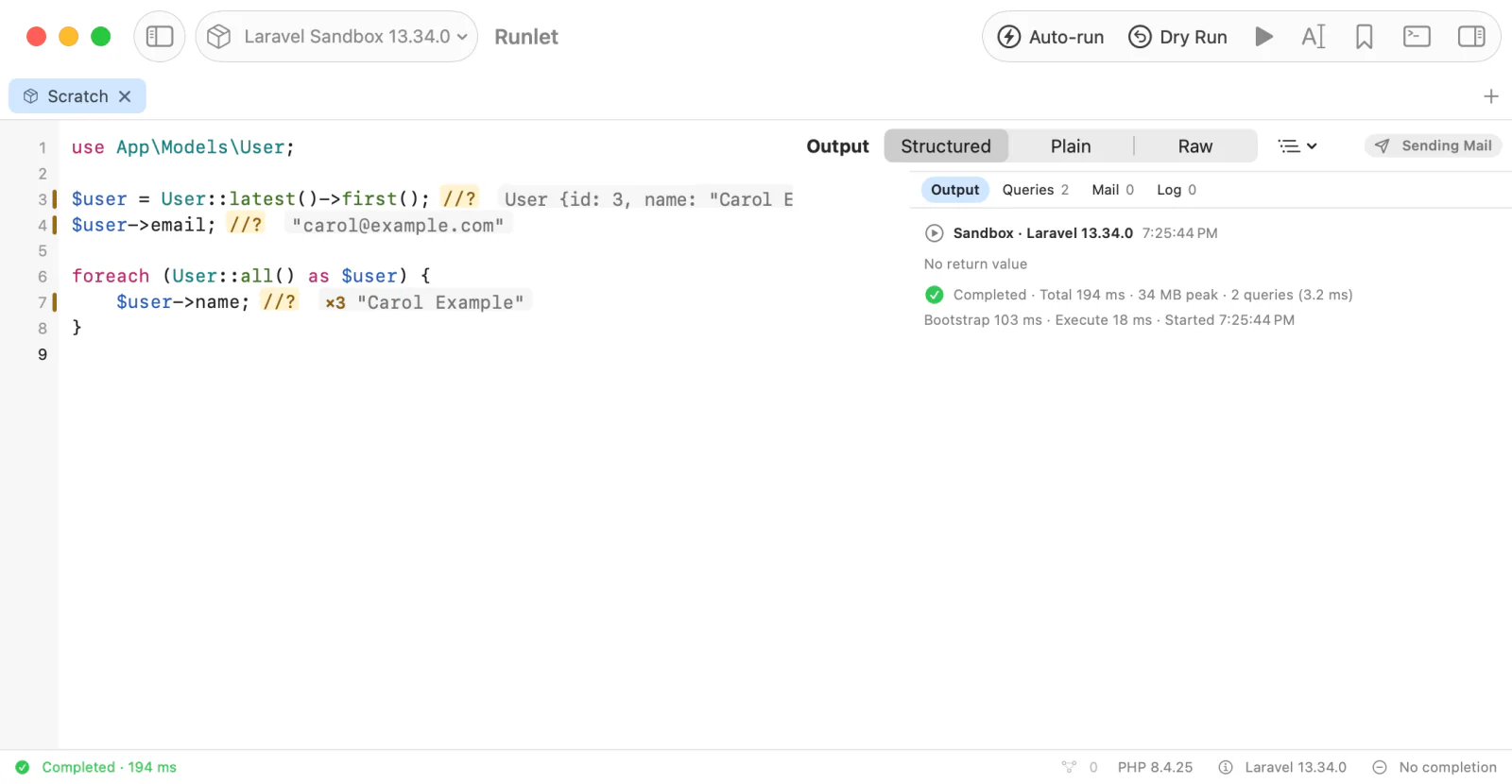
Add //? to the end of a line, and run again:
use App\Models\User;

$user = User::latest()->first(); //?
$user->email; //?

foreach (User::all() as $user) {
    $user->name; //?
}
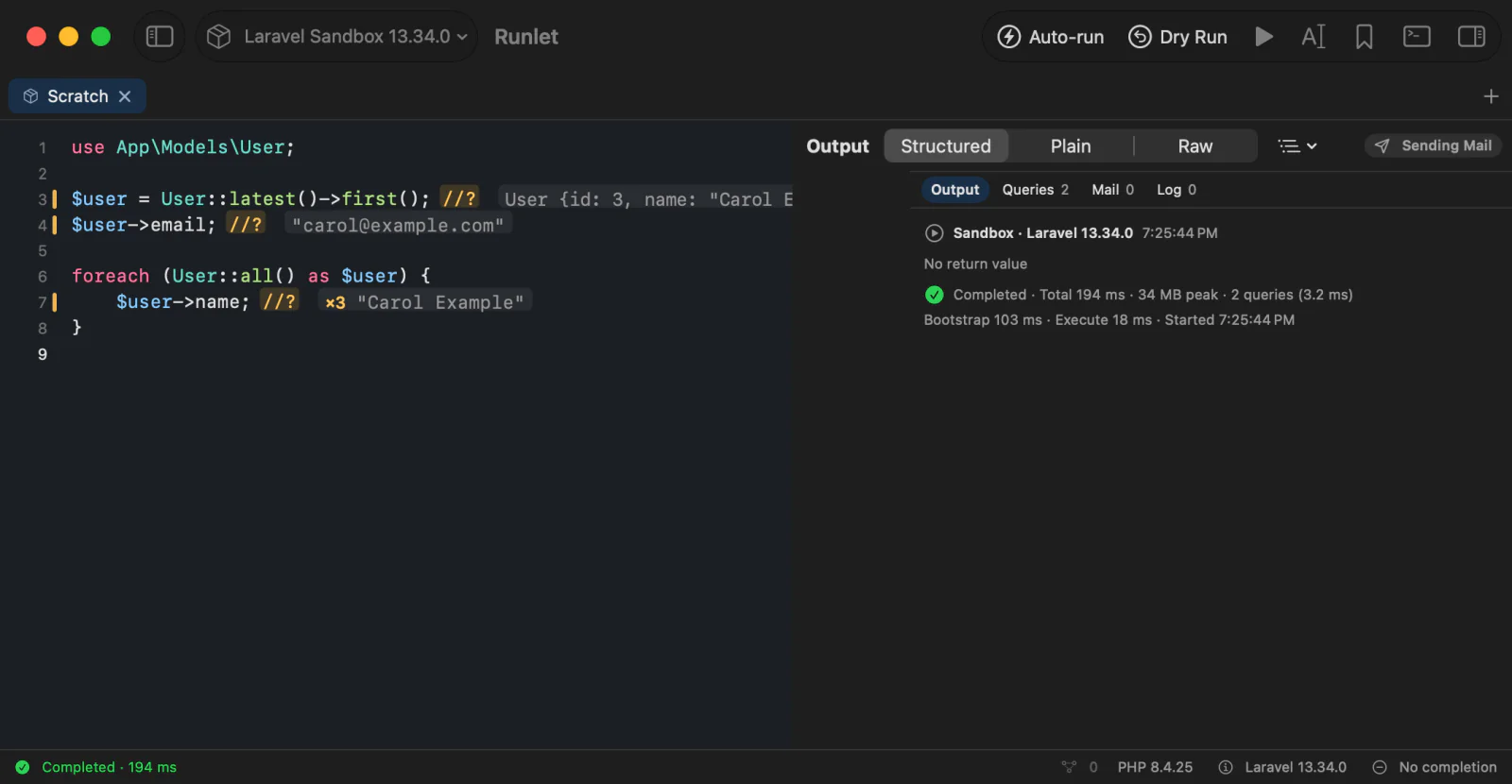
Each line's value appears at its end, and the loop's line shows ×N with the latest value. Hover over a value to expand it. These are magic comments: they show values without dump() calls, and never change what your code does.
See What Your Code Touched
Runlet shows everything a run did, in one place next to the output:
- Output and result: printed output,
dump()anddd(), and the returned value as an expandable tree, a sortable table for rows and collections, or Plain and Raw text. Strings that hold JSON, images, or HTML get their own viewers. - Errors: exceptions with the snippet line that threw them.
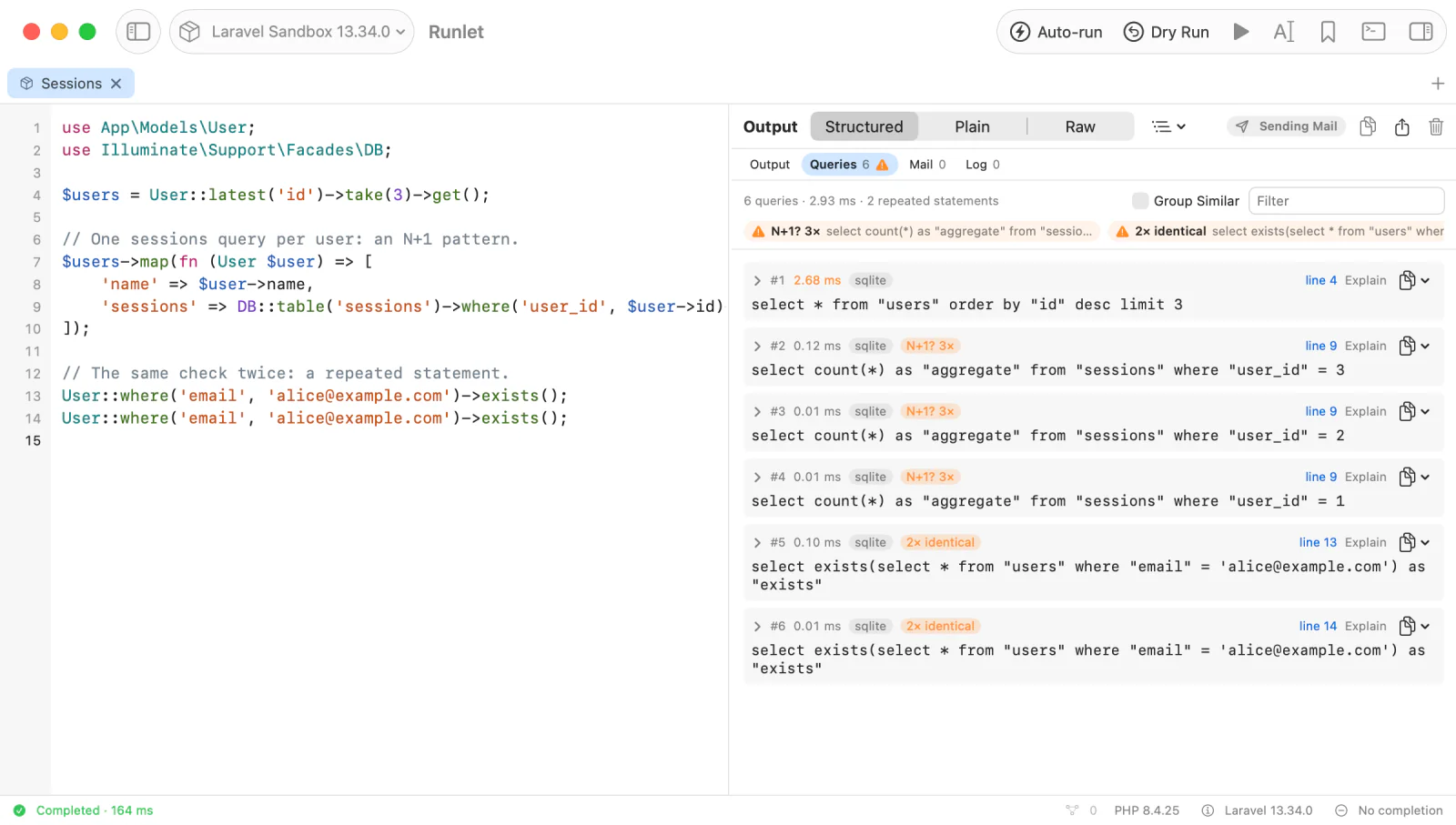
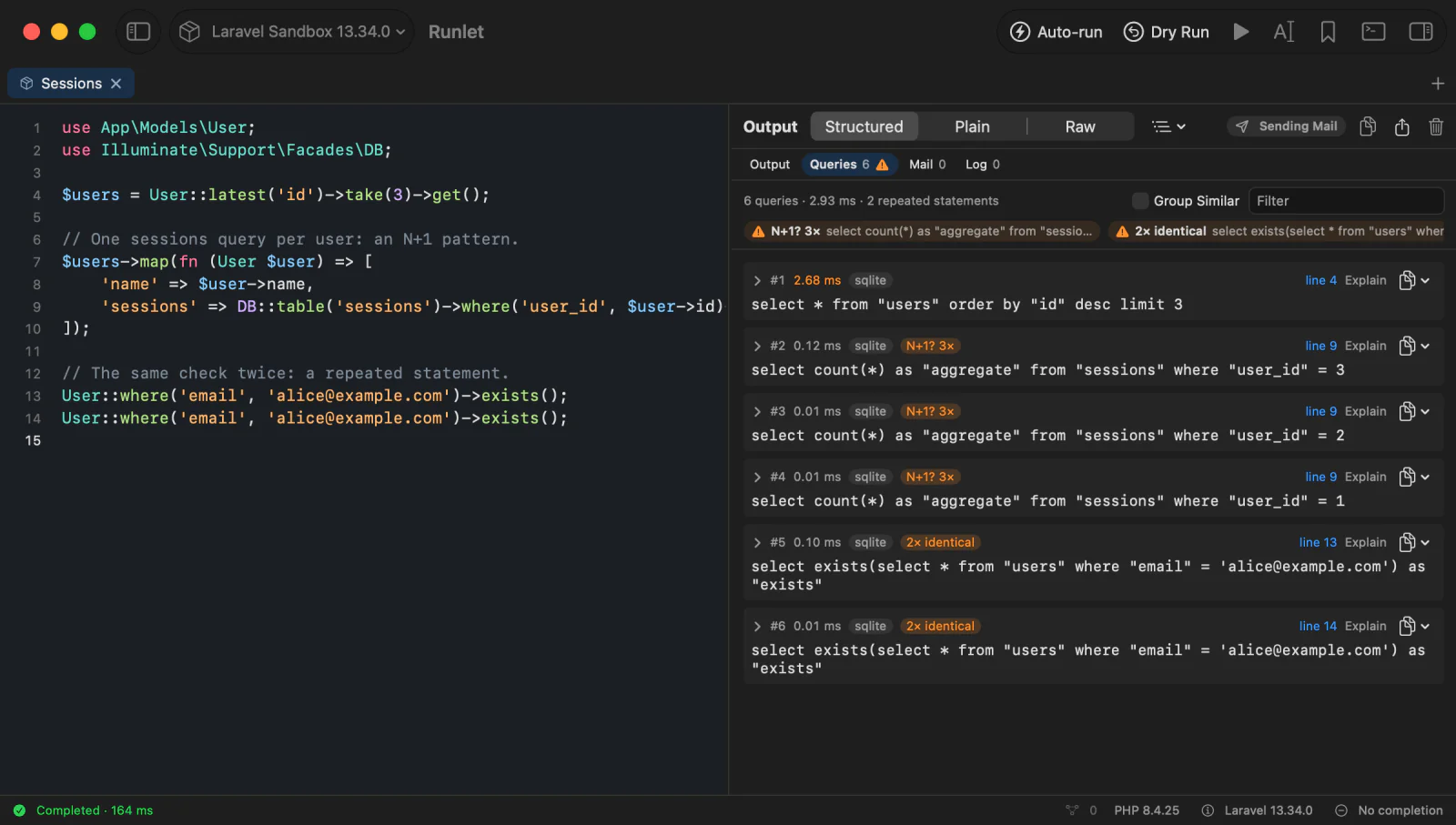
\Runlet\notice(),\Runlet\warning(), and\Runlet\error()add cards of your own without ending the run. See Snippet API. - SQL: every query with its bindings, time, connection, and the line that ran it, with hints for repeated statements and N+1 patterns. Explain opens a new tab that asks for the query's plan, and waits for you to press Run.
- Mail and HTML: mailables, notifications, views, and HTML responses render in a locked-down preview, with no JavaScript, no navigation, and no remote loads unless you allow them. Turn on mail interception, and Laravel builds each message without sending it.
- Logs the run wrote, in the log viewer, and sections your project's driver adds, such as "Cache" or "HTTP calls".
- Timings: total, bootstrap, and execute time, peak memory, and query time for every run. See Run Timings.
- Export: values as JSON, PHP, or Markdown, tables as CSV, or the whole output to a file.
For example, in a Laravel project:
use App\Models\Order;

Order::query()
    ->where('status', 'pending')
    ->latest()
    ->take(10)
    ->get(); //?
The line shows the collection. Queries shows the select with its bindings and time, and Explain next to it opens the plan request in a new tab. Running Code covers the output pane in detail.
Open Your Own Project
Choose File ▸ Open Project… (⇧⌘O) and pick your project's folder. With the command-line tool installed, you can also run runlet . in the folder:
cd ~/Code/my-app
runlet .
Runlet detects the framework and boots it for every run (Laravel the way an Artisan command does, WordPress the way WP-CLI does), so a snippet starts with your application ready:
use App\Models\User;

$user = User::find(1);
$user->subscriptions;
No route, controller, or temporary command.
| Project | Detected by | Snippets start with |
|---|---|---|
| Laravel, Lumen, Laravel Zero | bootstrap/app.php, plus artisan or laravel-zero/framework | $app |
WordPress (classic, Bedrock, or public/wp) | wp-load.php in the usual places | $wpdb |
| Symfony | bin/console, plus src/Kernel.php or config/bundles.php | $kernel, $container |
| Composer projects | composer.json or vendor/autoload.php | The Composer autoloader |
| Anything else | Plain PHP |
For anything else, a project driver teaches Runlet how to boot your app: one PHP class in the project's .runlet folder that boots it, hands snippets their variables, and can add commands and inspector sections.
Runlet sends its runner to PHP on standard input, so it writes no files into your project or container, and it never runs Composer in your project. Completion knows your project too: models, relations, and columns complete as you type. See Code Navigation.
Run It Where Your App Lives
Every tab has a target: where its code runs. Switch it in the toolbar, or with Open Anything (⌘P):
- The Laravel sandbox, for trying things without a project.
- A local project, with Herd, Homebrew, or the
phpon yourPATH(PHP 7.4 or later), or Runlet's own PHP. - A Docker container or Compose service.
- An SSH server, with the server's own PHP, or a container on that server.
Output, dumps, errors, and Stop work the same everywhere. Mark a target as production, and every run asks first. See Production hosts.
Keep What Works
- Save as Snippet… (⌥⌘S) keeps the tab's code as a personal snippet, or as a project snippet your team shares through git.
- History (⌘Y) keeps every run's code, target, and status. Opening an entry never runs it.
- Save as Artisan Command… and Save as Test… turn a snippet into a class in your project, for you to review. See Promote a Snippet.
Next Steps
- Running Code: Run, Stop, the output pane, and History.
- Magic Comments and the Snippet API: everything a snippet can use.
- Keyboard Shortcuts, including Open Anything and the command palette.
- Everything in Runlet: every feature on one page.