
Run Timings
Every run ends with a line that says how it went and how long it took: the total time, peak memory, and the run's queries, then how long the application took to boot and your code took to run.
Completed · Total 412 ms · 38.5 MB peak · 7 queries (12.4 ms)
Bootstrap 180 ms · Execute 196 ms · Started 10:22:33
Hover the line, or the run's status at the bottom of the window, for every value, including the full date and time the run started. The same details are available to VoiceOver.
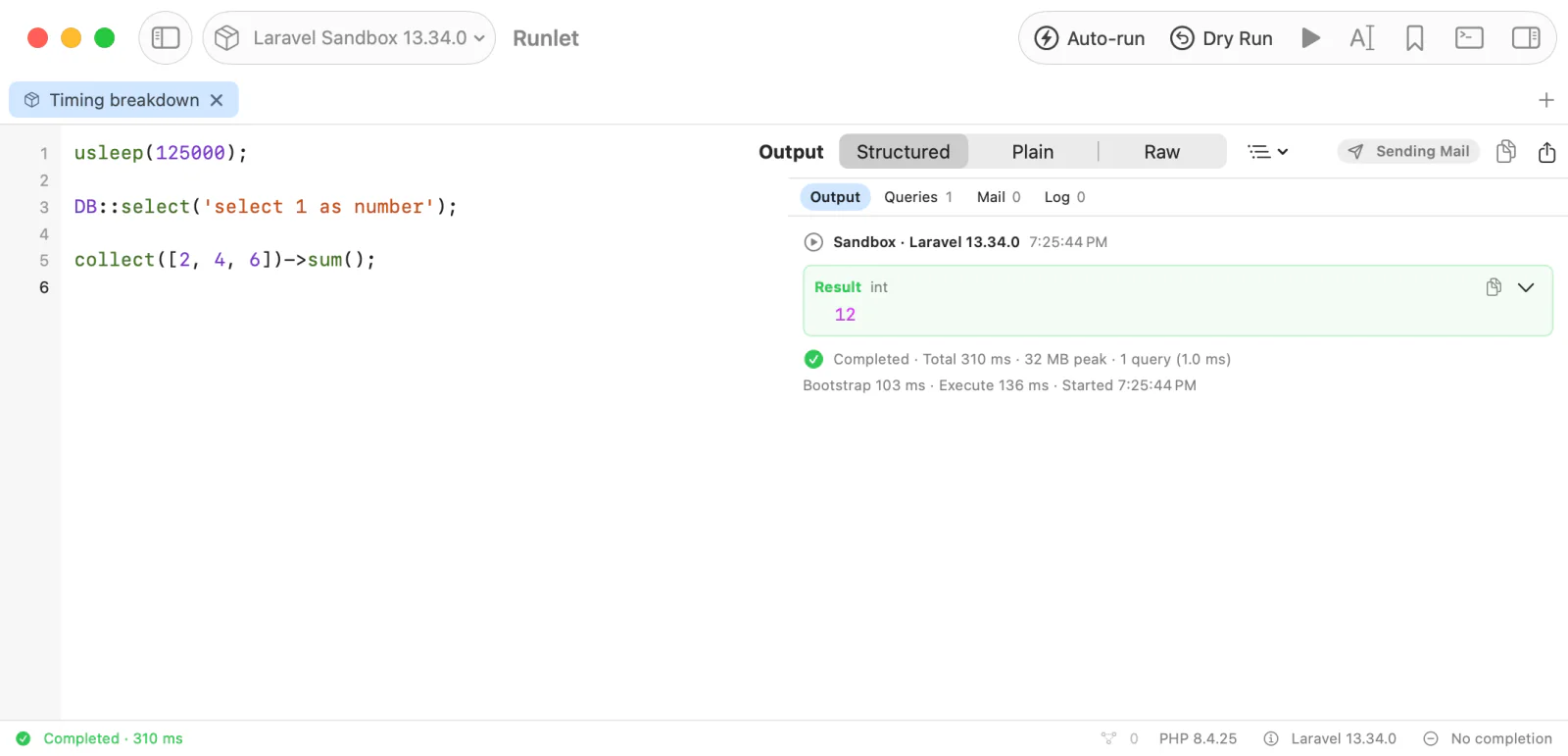
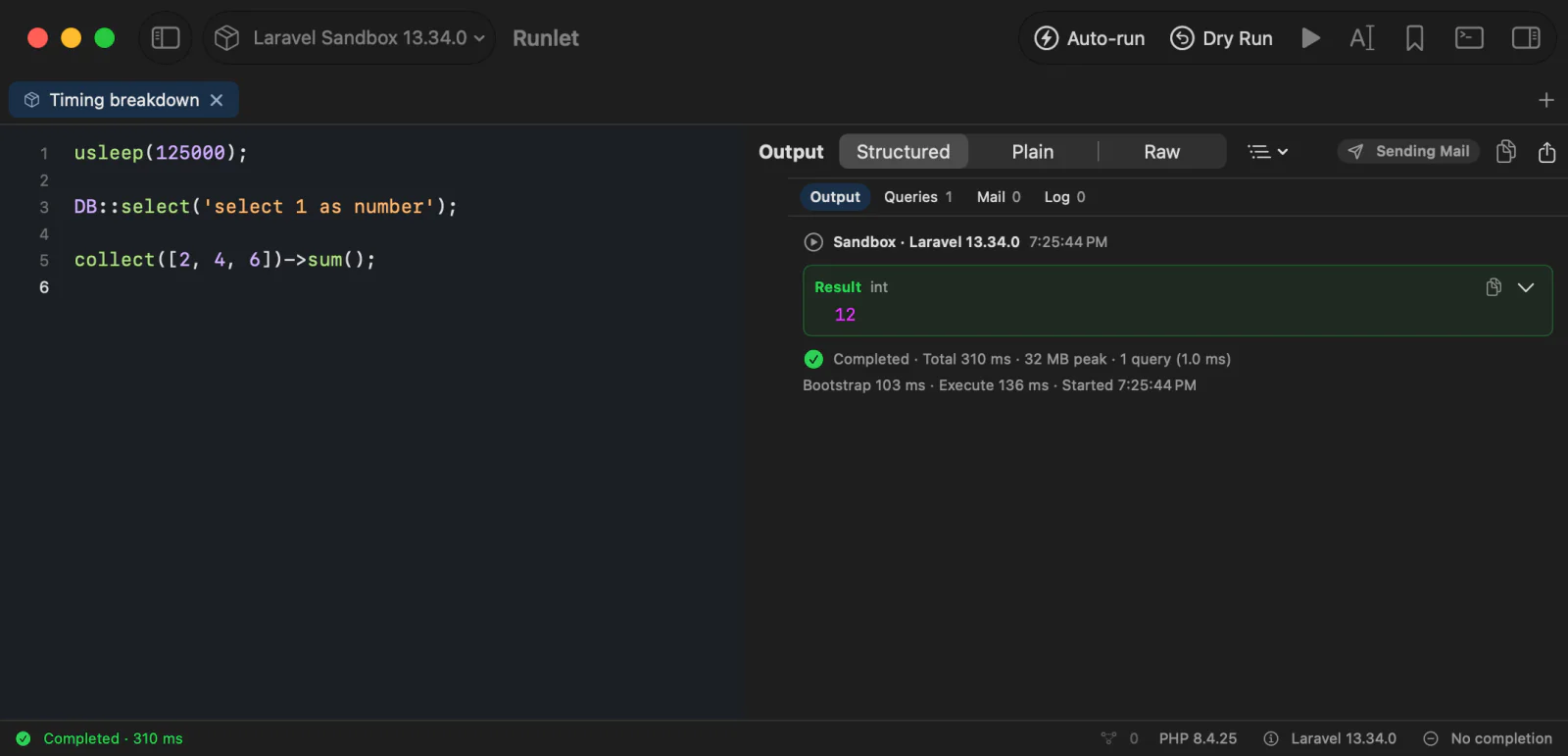
What Each Value Means
| Value | Meaning |
|---|---|
| Total | The whole run as your Mac measured it: starting PHP, booting the application, running your code, and sending the output back. Over Docker or SSH, it includes the connection. |
| Bootstrap | How long the framework or project driver took to boot the application. |
| Execute | How long your code took, including finishing its output and the run inspector's records. |
| Started | When the run started, in your Mac's time zone. |
| Peak memory | PHP's peak memory during the run. |
| Queries | How many SQL statements the run sent, and their total time. Query time is part of Execute, not added on top. |
Bootstrap and Execute are measured by PHP, Total by Runlet, and each is rounded to the millisecond. So they don't add up exactly, especially over Docker or SSH. Measuring adds no extra connection or run.
When a value is missing, the details say Unavailable: PHP didn't report it. Runlet never guesses a missing value from the total, or carries one over from an earlier run.
- A run that ends with
exit(),dd(), or a fatal error reports no Execute time. - A run you stopped, or whose connection dropped, may have only its Bootstrap time.
- A run that fails while the application boots may have neither.
Clear Output (⌘K) removes the output and the run's sections, but the status at the bottom keeps the query count and time until the next run starts.
TIP
To time parts of your code, put /*?.*/ between statements: each one shows the milliseconds since the previous one. To compare implementations, use \Runlet\bench().