
Personal Snippets
Save the code you reuse as a snippet, and open it again in any tab with a few keys. Personal snippets live in Runlet on your Mac. To share snippets with your team through git, save them as project snippets instead.
Saving, editing, and opening a snippet never runs it. It runs when you press Run, with the usual confirmation on production targets.
Saving a Snippet
Choose Library ▸ Save as Snippet… (⌥⌘S), or the save button at the top of the Snippets panel. With a selection, the snippet is the selected code; otherwise it's the whole tab.
The sheet asks for:
- Label: the snippet's name in the list.
- Description (optional): a line or two about what it does. Runlet trims it, and an empty description is left out.
- Associate with the tab's target: an associated snippet opens in a new tab on that target, and the list always shows the association. Leave it off for a snippet that works with any target.
When the tab's target has a project folder, the sheet also has Save to: Personal / Project (.runlet/snippets). See Saving a Project Snippet.
You can also keep a run from History: Save as Snippet in its context menu saves its code with its target.
Finding and Opening Snippets
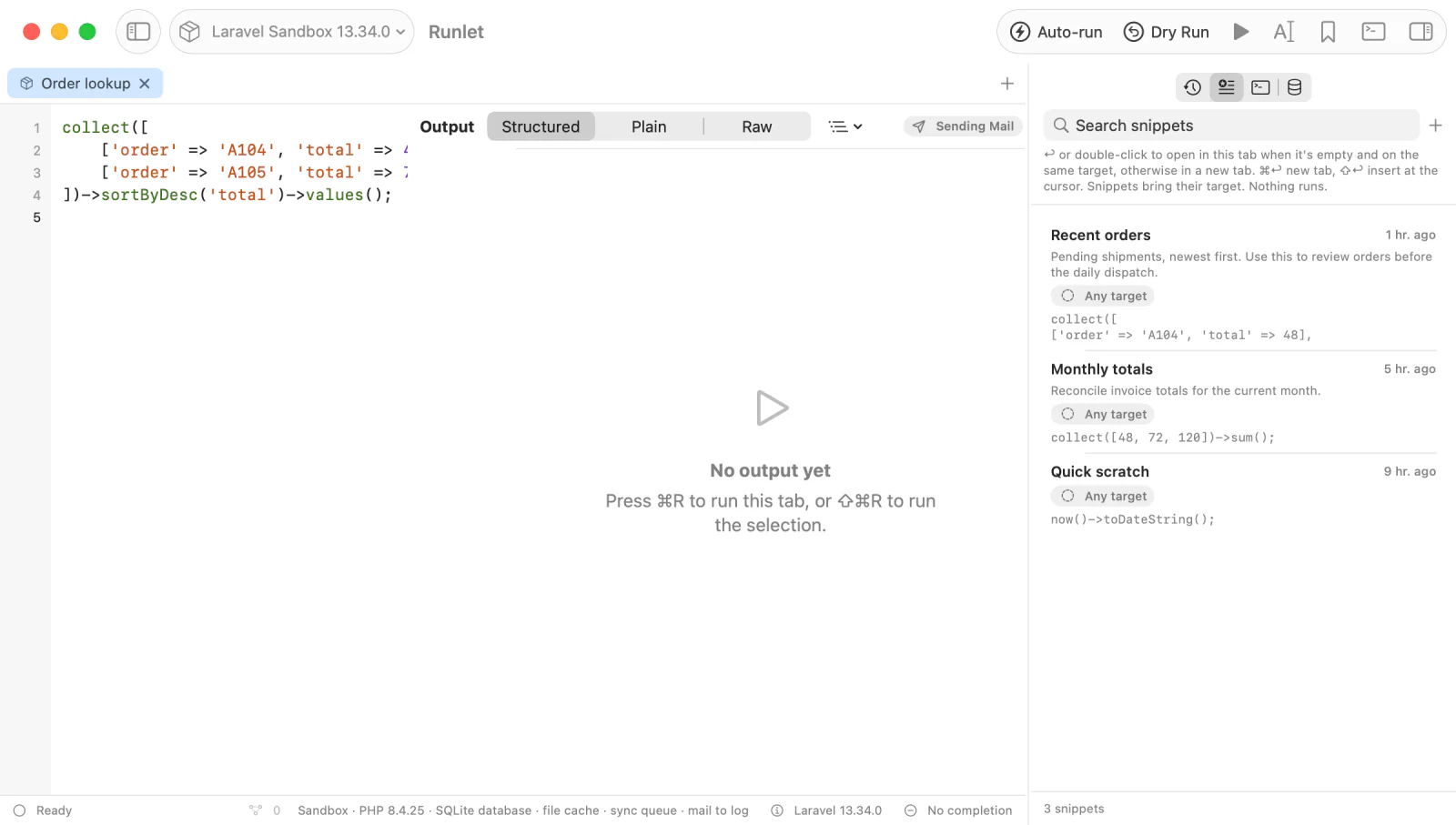
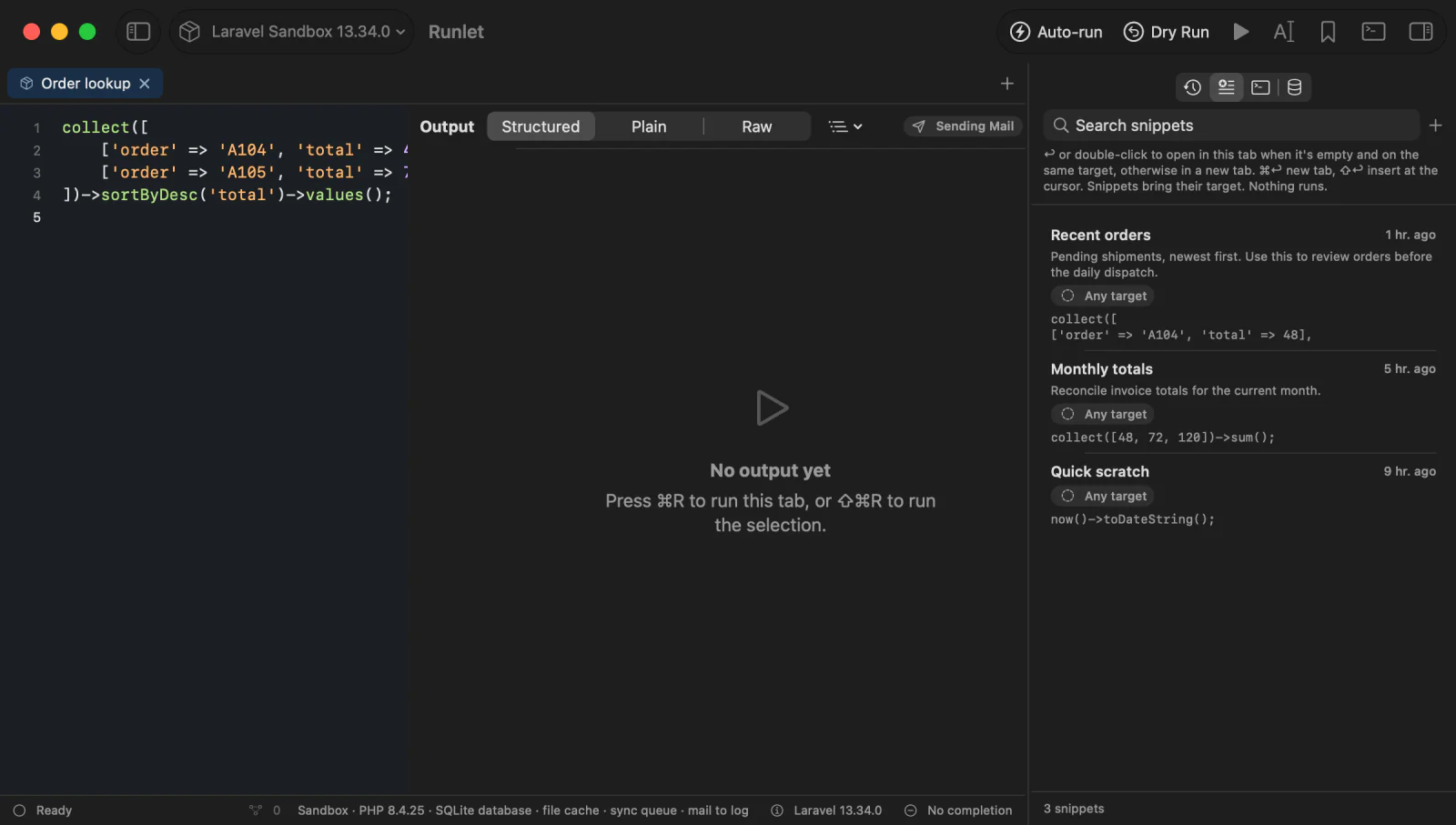
Library ▸ Show Snippets (⇧⌘L) opens the Snippets panel next to the editor, with the current project's project snippets above your personal ones. The search field matches labels, descriptions, and code. Descriptions show below the labels, in two lines at most; hover for the whole text.
| To | Do |
|---|---|
| Open a snippet | Return or double-click. By default, it opens in the current tab when that tab is empty and on the same target, and in a new tab otherwise; change this in Settings ▸ General ▸ History & Snippets ▸ Double-click opens in. |
| Replace the current tab's code | Open in Current Tab. The tab keeps its target. |
| Open it in a new tab | ⌘Return, or Open in New Tab. The new tab uses the snippet's target. |
| Insert it at the cursor | ⇧Return |
| Find it from anywhere | Type # in Open Anything (⌘P), then part of its label, description, or code. |
Editing Snippets
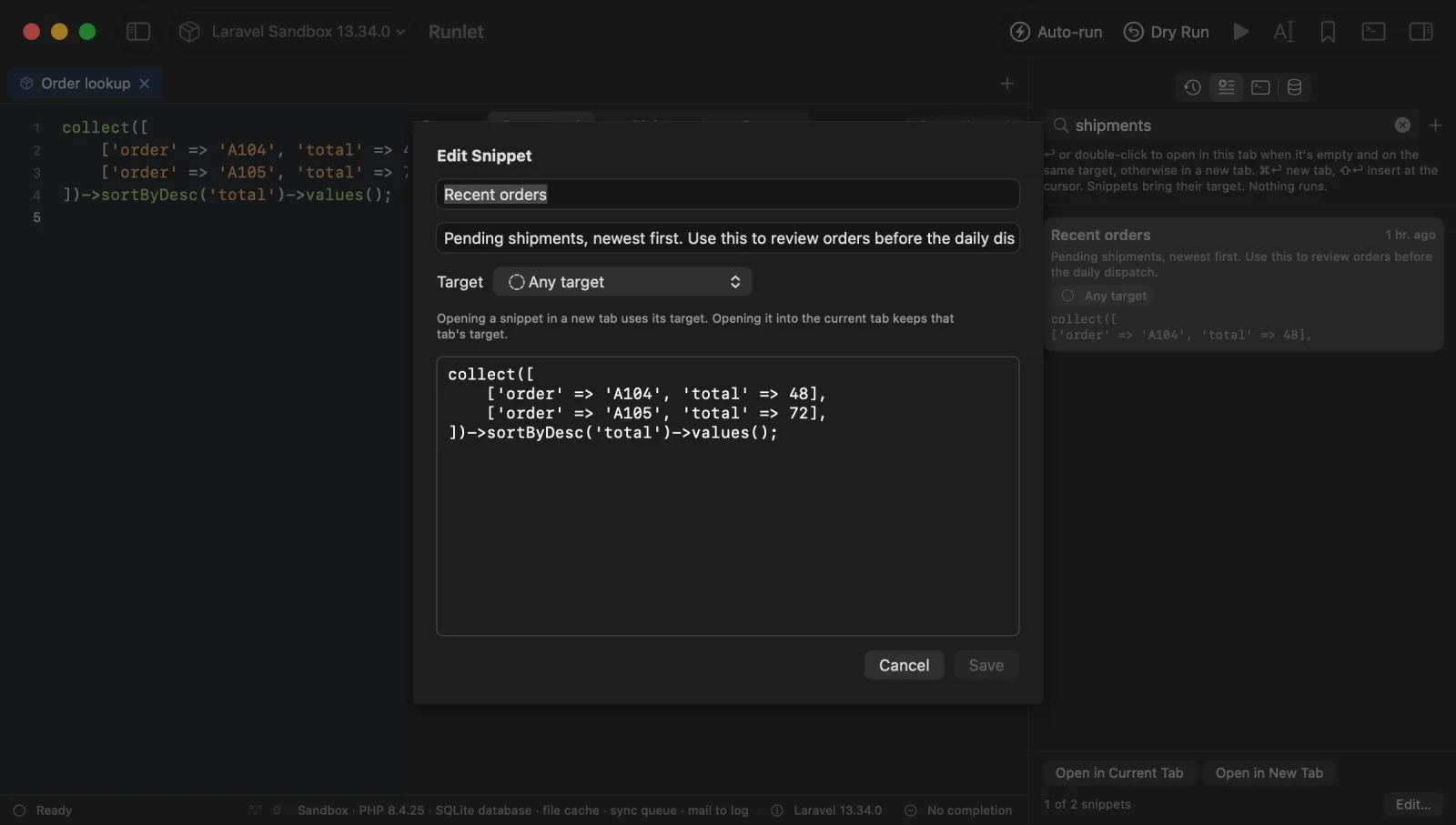
Select a personal snippet and choose Edit… in its context menu to change its label, description, target (Any target or one of yours), and code. An SQL, Redis, or MongoDB snippet also has its Connection.
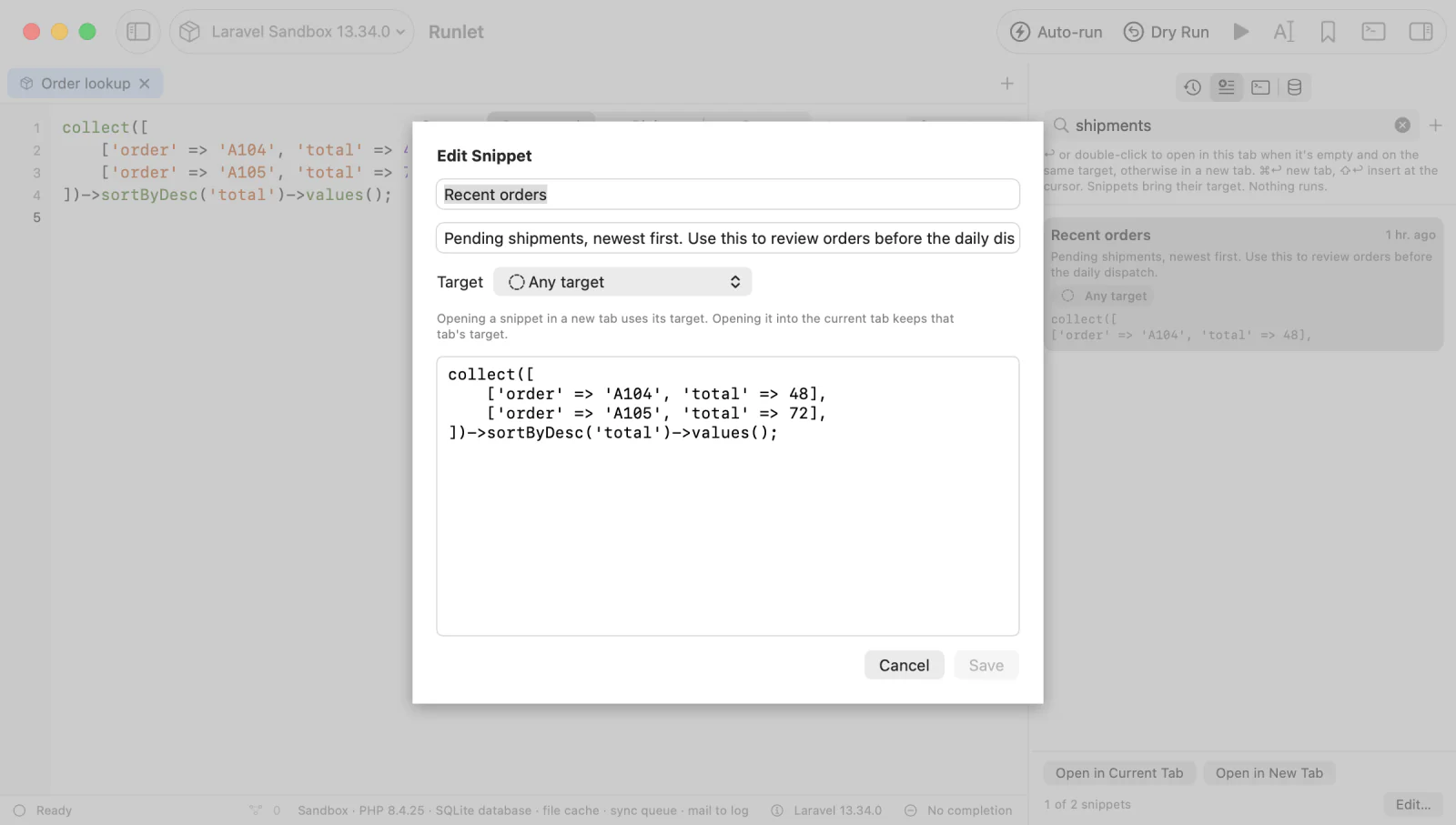
The context menu also has:
- Duplicate: a copy, with the same description.
- Copy Code: the code, to the clipboard.
- Save as Artisan Command… and Save as Test…: write the snippet into its project as a command class or a test for you to review. See Promote a Snippet.
- Delete: removes the snippet after asking. It can't be undone.
Snippets With Inputs
A snippet that starts with a docblock of @input lines asks for those values when it opens, and puts them at the top of the code:
/**
 * @input int $userId "User ID"
 */

App\Models\User::findOrFail($userId)->subscriptions
See Snippet Inputs.
SQL, Redis, and MongoDB Snippets
Snippets work in every kind of tab. Saving from an SQL tab, a Redis tab, or a MongoDB tab makes a snippet in that language:
- A badge in the list: SQL, REDIS, or MONGODB. Open Anything names the language too, and typing it finds them.
- It opens as that kind of tab. Opening one into the current tab switches the tab's language.
- Its connection. The save sheet keeps the tab's connection (Open on …), unless you turn that off. The snippet then opens on that connection when the tab's target has it, and otherwise on the default connection, with a note. Edit… changes or removes it.
- Inputs. SQL snippets have none. Redis snippets take
# @inputlines that fill$namearguments as quoted Redis arguments, and the tab opens with the commands only. MongoDB snippets take// @inputlines that fill{"$input": "name"}placeholders with JSON values. See Redis snippets and MongoDB snippets.
Duplicate, Copy to Personal Snippets, and History's Save as Snippet keep a snippet's language and connection.
AI Clients
AI clients connected to Runlet can list, read, and save your personal snippets, with their descriptions. They can't run a snippet by itself: running code always goes through your approval.