
Log Viewer
The Logs window shows a target's logs next to the scratchpad: Laravel's, Symfony's, WordPress's, a project driver's, or a container's output. It reads Monolog entries with their stack traces, filters them by level, words, or the last run, follows new lines as they're written, and opens stack frames in your editor.
Reading logs never runs code. Files on your Mac are read directly. A log in a container or on a server is read only after you click Follow, and only with tail, docker logs, or kubectl logs.
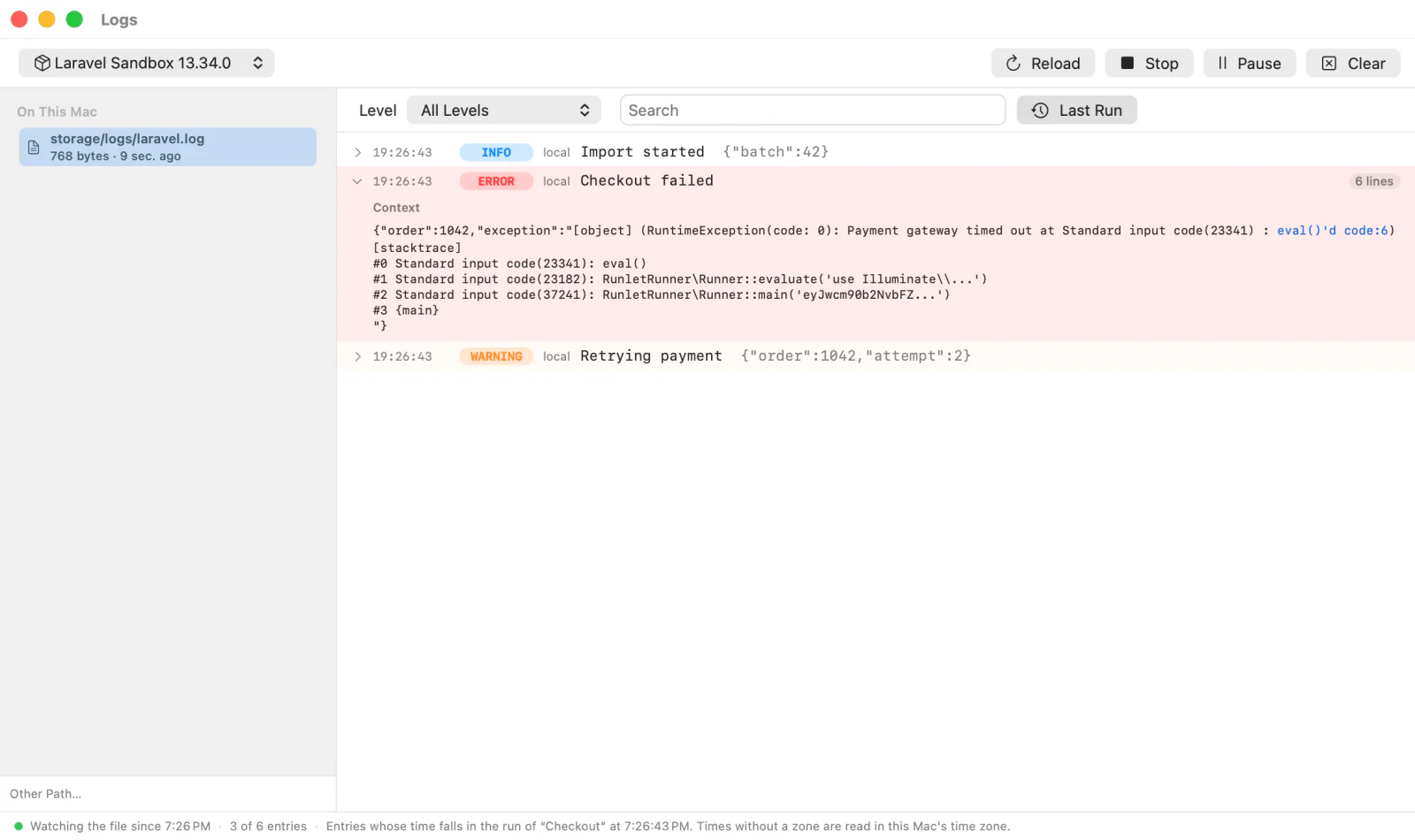
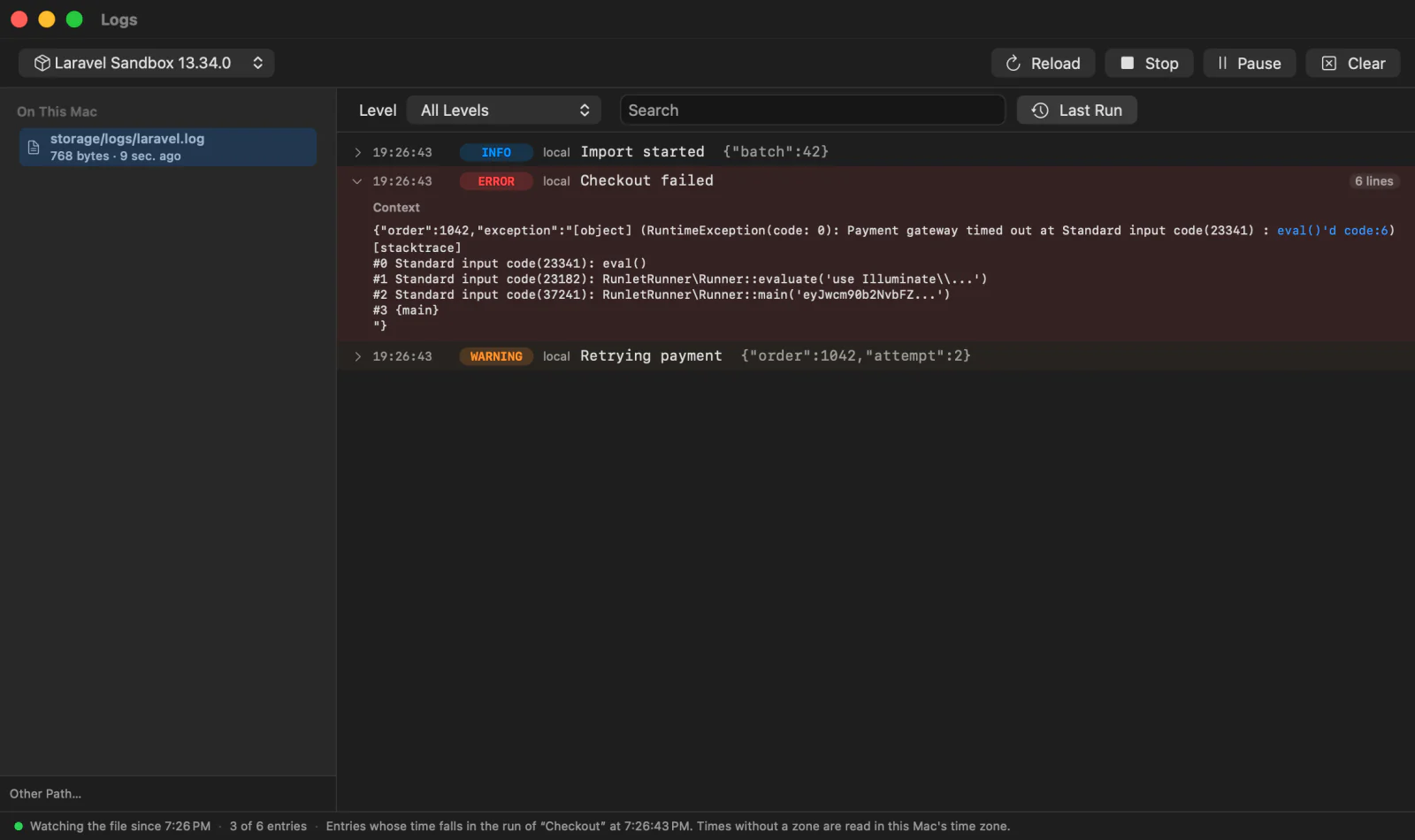
Opening the Logs Window
- Choose View ▸ Logs (⌘L), or Logs in Open Anything (⌘P) or the command palette (⇧⌘P).
- In the run inspector's Log section, click Show in Logs Window. It opens with Last Run on.
The window opens on the current tab's target; the menu at its top left switches to another target. The sources are on the left, the entries on the right. There is one Logs window.
Where Logs Come From
| Target | Sources |
|---|---|
| Local project, Laravel sandbox | Files in the project folder: storage/logs/**/*.log (four folders deep), var/log/**/*.log, wp-content/debug.log, and the files a project driver declares. |
| Docker profile with a local folder | The same files in the local folder, which the container mounts. After Follow: Container output (docker logs), and files inside the container. |
| Docker profile without a local folder | After Follow: Laravel's, Symfony's, and WordPress's usual log files under the profile's working directory, the driver's files, and Container output. Files that may not exist are marked If it exists. |
| Kubernetes profile | After Follow and pod selection: files under the profile's working directory, the driver's files, and Container output (kubectl logs). The local source checkout is never read as a log source. |
| SSH profile | After Follow: the same files under the profile's directory on the server. |
| SSH profile with a container | After Follow: files in the container on the server, and its Container output. |
An SSH profile's local folder is a copy of the project, so its logs are your Mac's, not the server's: the Logs window doesn't list them.
- Find Logs looks for more
*.logfiles in the container or on the server: instorage/logsandvar/log(four folders deep),wp-content/debug.log, and the driver's folders. It reads file names only, and asks first like Follow does. - Other Path… opens a file Runlet doesn't know: relative to the project folder on your Mac, or an absolute path in the container or on the server.
A Project Driver's Log Files
A project driver can declare where its application logs. Runlet learns them when it lists the target's commands (Library ▸ Show Project Commands), and remembers them, also after a relaunch. The Logs window never asks the driver by itself, because that would boot the application.
When a project has a .runlet driver whose log files aren't known yet, the window offers Load the Driver's Log Paths. That lists the project's commands as the Commands panel does, and production targets ask first.
Reading and Following
Files on Your Mac
A file opens at its end: the last 512 KB, and the list says so when the file is larger. Then Runlet watches it, and new lines appear as they're written. Rotations and truncations are handled:
- Truncated (
> laravel.log, orcopytruncate): the file is read from its start again, with a note. - Rotated (renamed away and created again): the old file's last lines come first, then the new file, with a note.
- Removed: noted, and the path is watched until a file is there again.
Stop ends the watching, and Follow starts it again from where it stopped. Reload reads the end of the file again.
Kubernetes Pods
Choose the Kubernetes target, then Container output or a file and Follow. With several eligible pods, the Pod picker asks you to choose one and click Follow again. A pinned pod, a sole eligible pod, or Replicas are interchangeable can resolve the choice. Runlet checks the UID and readiness just before starting. Explicit choices survive source changes for the same target, in memory only, until you close Logs, save the profile, or the pod becomes unavailable. A vanished explicit choice asks again; sole-pod and interchangeable-replica resolutions run fresh on each Follow or Find Logs. See Following Logs for replacement handling and the small name-reuse race.
Find Logs uses the same pod selection. Files need /bin/sh and tail in the container; container output works without a shell. When a stream ends, click Follow to resolve again. Runlet never follows a replacement automatically. Closing or reopening the window doesn't start a remote follow.
Containers and Servers
A log in a container or on a server is read only after you click Follow. Runlet then runs tail -F there (through docker exec, or your SSH connection), or docker logs --follow for Container output, starting with the last 500 lines.
Stop, closing the Logs window, or quitting Runlet ends the command there too: nothing keeps running in the container or on the server.
Before a follow, and before Find Logs:
- An SSH host that isn't connected asks first. Hosts that log in with an agent or keys then connect the way runs do; for a password or a two-factor code, Connect… opens a terminal, and you click Follow again once you're logged in.
- A production target asks: Follow this log on production? Following only reads, but log lines can hold personal data and secrets. Files on your Mac never ask, since nothing connects.
While a follow runs, the Connection Manager lists it under Log Follows, and its Close is the same as Stop.
Entries
Runlet reads these formats:
| Format | Example |
|---|---|
| Monolog's line format (Laravel, Symfony) | [2026-10-04 10:22:33] local.ERROR: Division by zero {"exception":"[object] (…) |
| Monolog's JSON format, and other JSON loggers | {"message":"Job failed","level_name":"ERROR","channel":"queue","datetime":"…"} |
PHP's error log (WordPress's debug.log) | [04-Oct-2026 10:22:33 UTC] PHP Warning: Undefined variable … |
| Anything else | WARNING: [pool www] child 12 said into stderr |
A row shows the time, level, channel, and message, with the context dimmed. Stack traces and continuation lines belong to their entry. Click a row to open the entry: its message, its context (indented when it's JSON), and its extra fields.
- Copy Entry (the row's button or context menu) copies the entry exactly as it is in the file. The context menu also has Copy Message, Copy Context, and Open for the first stack frames.
- The window keeps the last 5,000 entries. The footer counts the older ones it dropped.
Filtering
- Level: Error and Up shows errors, critical, alert, and emergency entries. All Levels also shows lines without a level.
- Search: every word you type must appear in the entry, its trace, or its context, in any case.
- Last Run: only what the last run on the target wrote, from any tab. For a file on your Mac, that's the part of the file the run added, so it works whatever time zone your application logs in. For a follow, it's the lines that arrived during the run.
Pause keeps the list still while a follow goes on reading, and the footer counts the new entries; Resume shows them. Clear empties the list. The log itself is never changed.
NOTE
Last Run marks where the files end when a run starts once the Logs window has been opened in this session. Before that, or for a log that isn't followed, Last Run shows the entries whose time falls within the run. Laravel writes times without a time zone, which Runlet reads in your Mac's time zone, so an application that logs in UTC may not match.
Opening Stack Frames
File locations in an open entry are links: #3 /app/User.php(42): …, at /app/User.php:42, /app/User.php on line 42, and JSON's "file": "/app/User.php:42". Paths in a container or on a server map to the profile's local folder.
- A project file opens at its line in your editor (Settings ▸ Editor).
- Vendor code, a file outside the project, or any file when no editor is set opens in a read-only peek next to the entry, with Open in your editor and Reveal in Finder. For Docker and SSH targets, the peek says it shows the local copy, and where the target sees the file.
- A snippet's own line (
eval()'d code(5)) opens in the latest tab that ran on the target. - A location with no counterpart on your Mac stays plain text.
Privacy
Log lines can contain secrets. They stay in the Logs window: Runlet doesn't save them, doesn't write them to its Run Log, and doesn't give them to AI clients.
Not Included Yet
docker logslines are shown as the container wrote them, without Docker's timestamps.- One source follows at a time.