
Sandbox Auto-Run
In a Laravel Sandbox tab, Runlet can run the whole tab each time you stop typing, so the result follows your code as you write it. Auto-run is off by default, and only the sandbox has it.
Turning It On
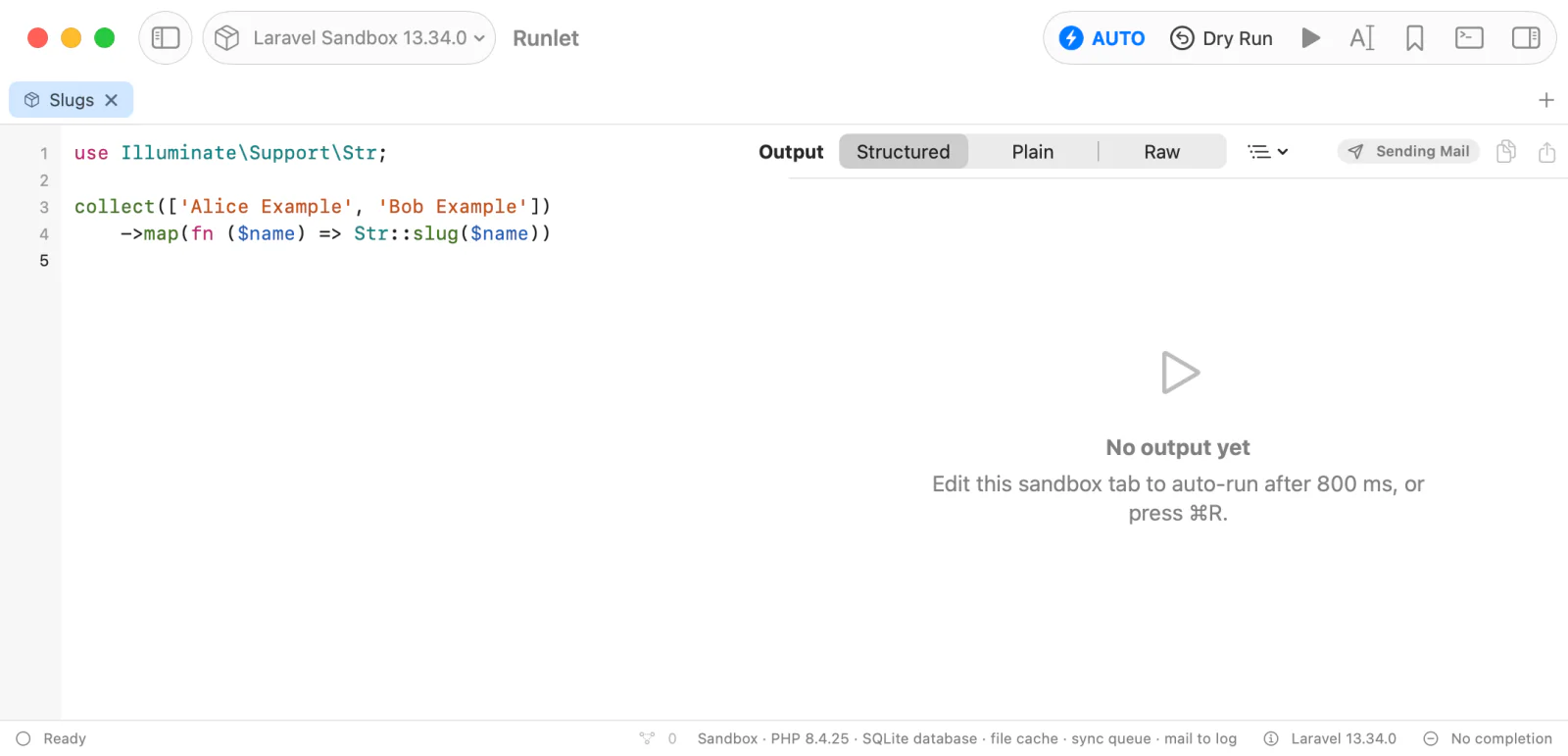
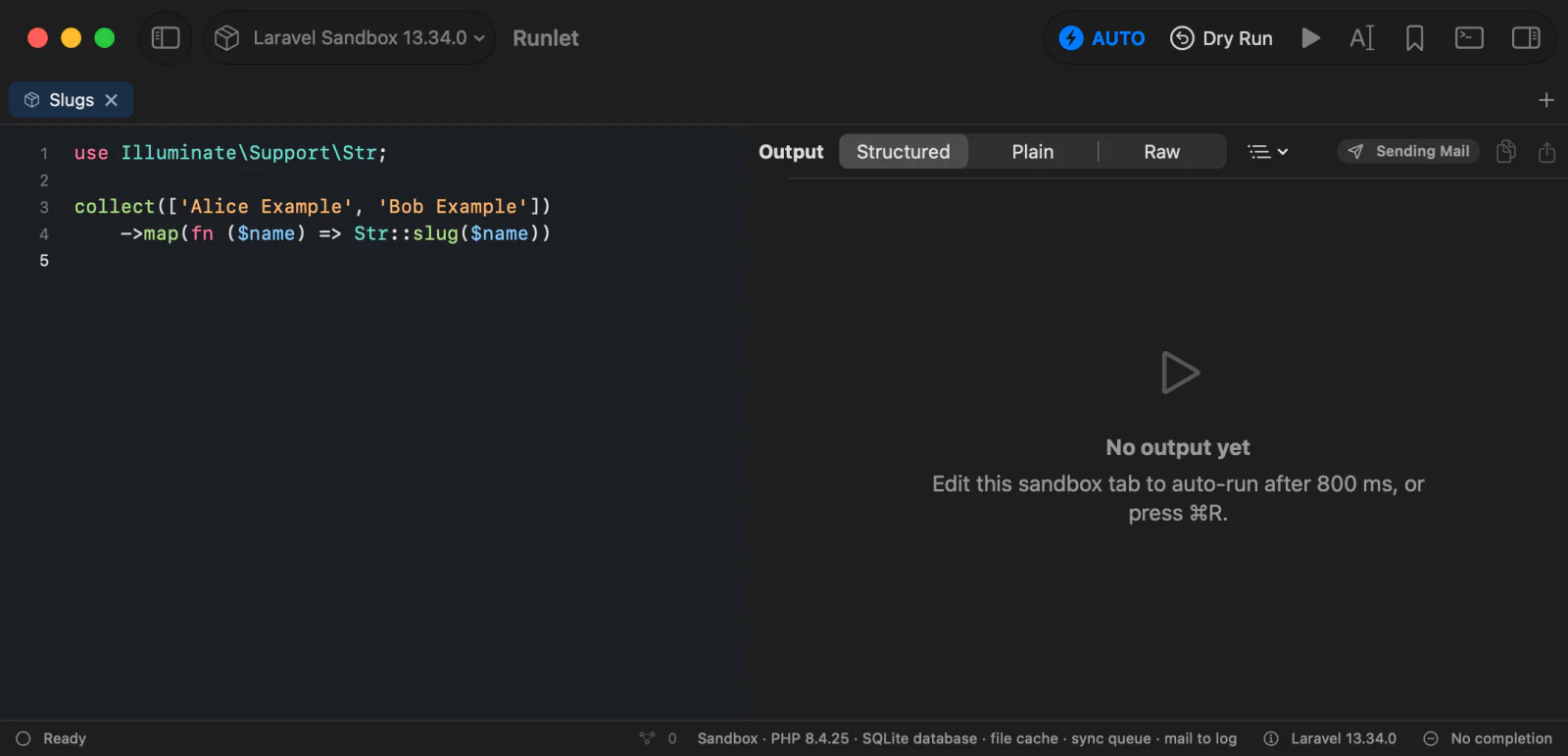
Click Auto-run in a sandbox tab's toolbar to turn it on for that tab: the button reads AUTO while it's on. Click it again to turn it off.
How It Runs
Turning auto-run on doesn't run the code that's already in the editor. Your next edit does:
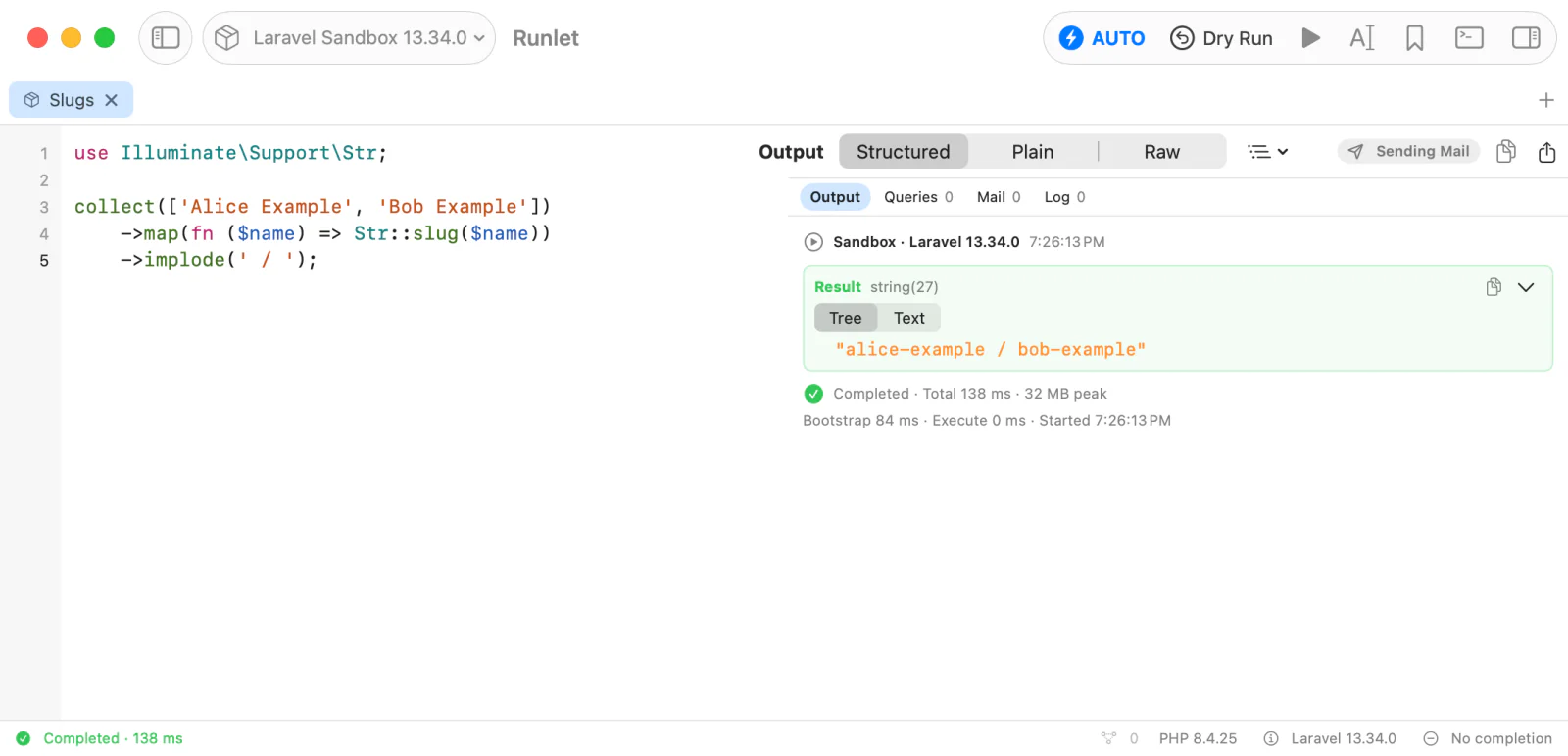
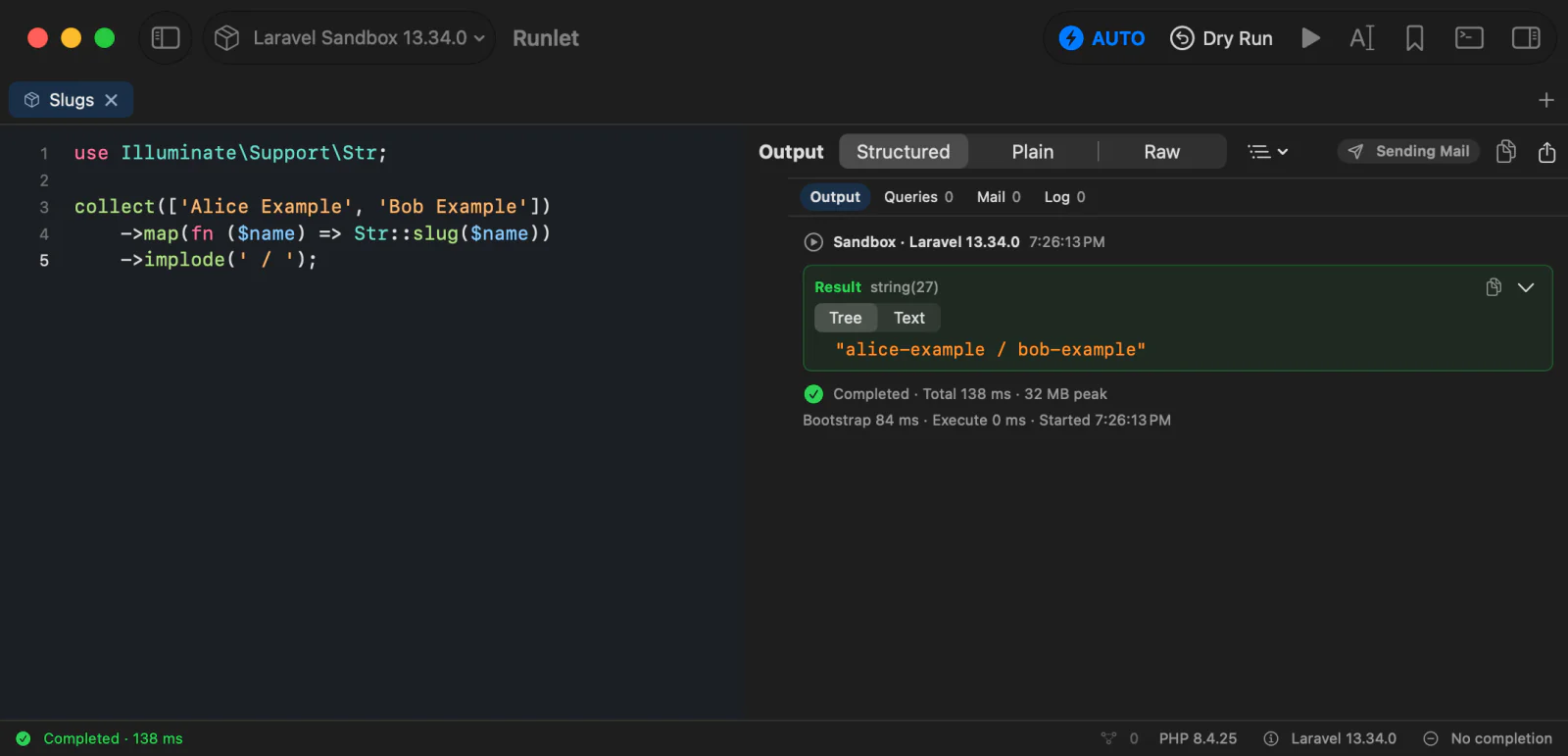
- 800 ms after your last edit, Runlet runs the whole tab, whatever is selected, and whatever Run prefers.
- Runs never overlap. An edit during a run waits for it to finish, then the latest code runs.
- Run and Run Selection cancel the pending automatic run and run as usual.
- Stop stops the current run and cancels the pending one.
- Empty code doesn't run, and errors show in the output as usual: fix the code, and the next edit runs it again.
When Auto-Run Turns Off
Auto-run belongs to one tab and starts off. It turns off when the tab's code is replaced, and it is never saved:
- New, duplicated, and reopened tabs, tabs restored with your session, and tabs from a workspace start with it off.
- Loading code from History, a snippet, an import, or a file on disk turns it off.
- Switching the tab's target turns it off, even when you switch back to the sandbox. Switching the tab to SQL turns it off too.
Auto-run is only for the sandbox. Local projects, Docker and SSH targets, production targets, and SQL tabs don't have it.
WARNING
Only your edits trigger an automatic run: opening, restoring, or selecting a tab never does. But sandbox code can still have side effects, such as writing files or calling HTTP APIs. Read the code before you turn auto-run on.